How to Get Started (2 Simple Steps)
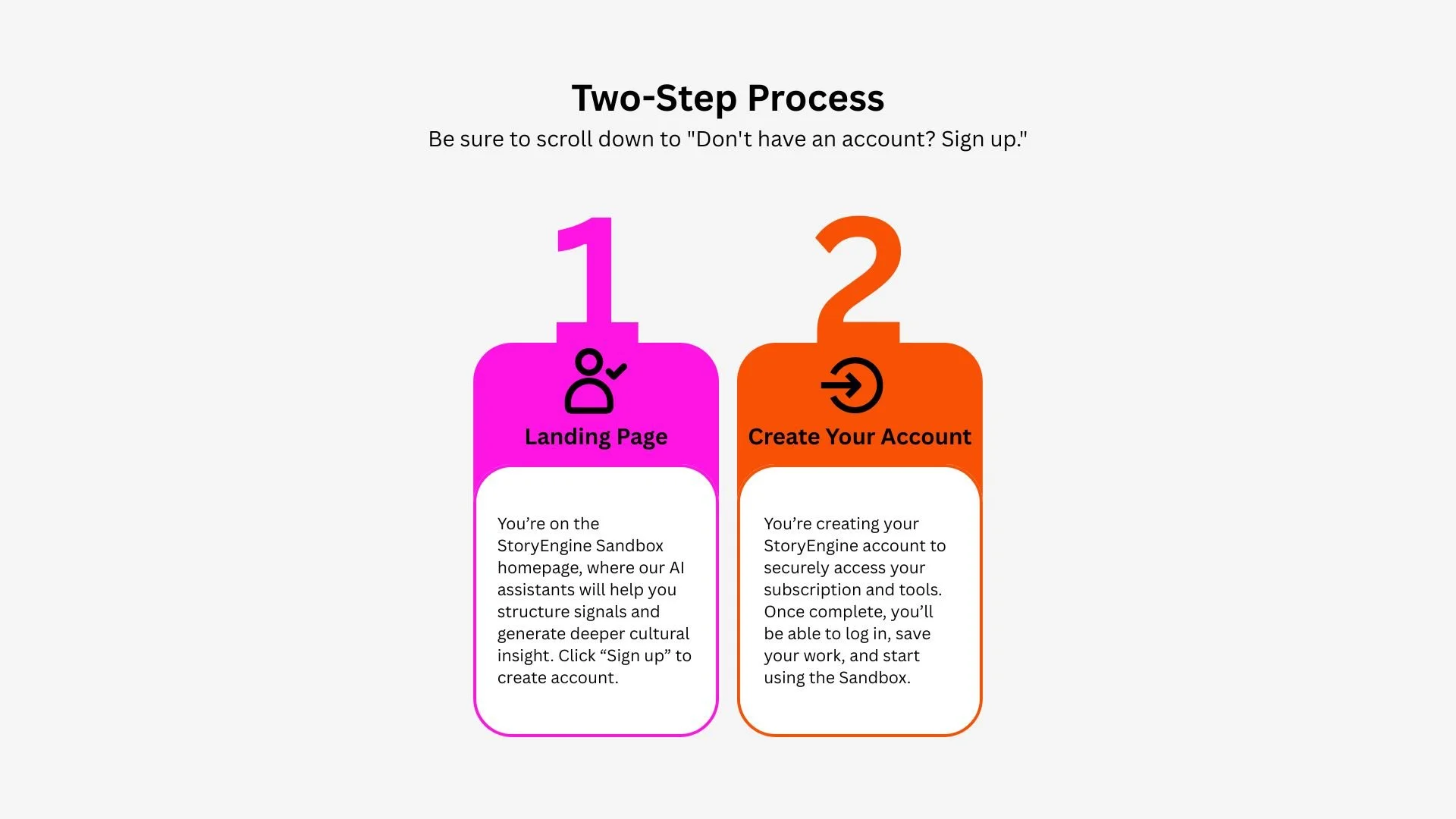
To access StoryEngine, setup happens in two quick steps:
Step 1: Complete your subscription
Sign up and pay through our secure Stripe checkout. This activates your subscription and grants you access to the StoryEngine platform.
Step 2: Create your StoryEngine account
After payment, you’ll be prompted to create your StoryEngine login. This account is where you’ll access all tools, save your work, and manage your usage.
Once both steps are complete, you can log in anytime and use the full StoryEngine Sandbox.
Why two steps?
We separate billing and access to keep your account secure, ensure your data is private, and give you full control over your subscription and usage.